


HumanCode Studios, a Creative Consultancy
March 30, 2026HumanCode Studios is a creative consultancy providing product design and development and the creative assets necessary in actively transform your company’s digital core. We imagine the future of digital products, enhance established product teams, leverage the most current AI toolsets to increase productivity and speed to market while executing bold visions focused on customer data and delightful user experience scenarios.
Business’ already focused on a digital product core benefit from an established approach to customer and employee communications. Faced with a global market trends, potential financial down-turns, or whatever the next disruption may be, digitizing business communications, reacting to real-time customer feedback and fine tuning strategic design processes to maximize customer engagement is paramount to success.
Innovate. Collaborate. Iterate.
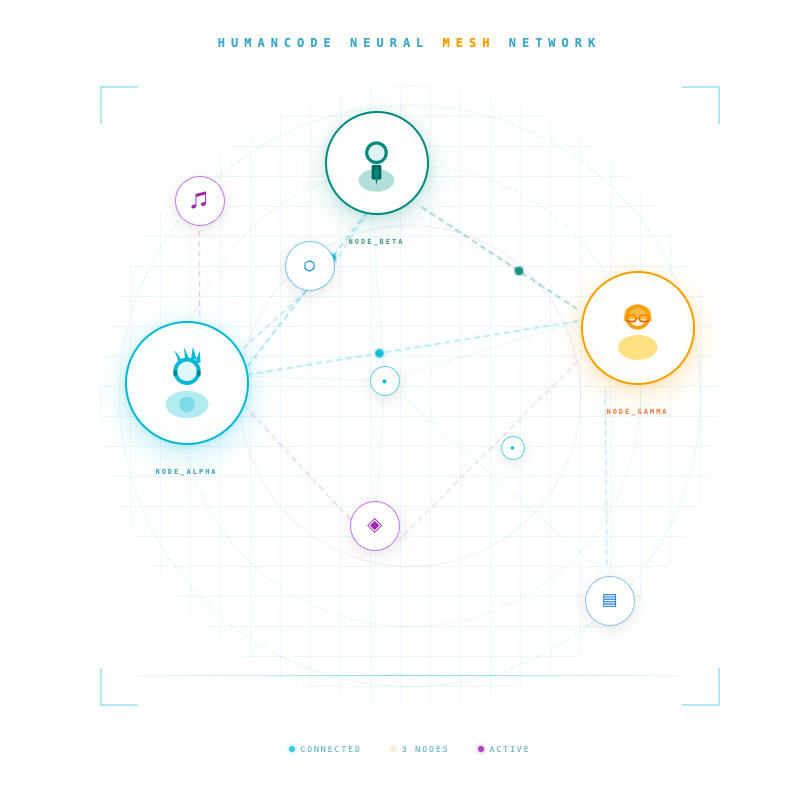
Leverage HumanCode as a resource for leading, partnering or integrating with existing cross-functional teams as a center of excellence, focused on executing and iterating ideal versions of your digital products and services. Our experienced design group provides intuitive, easy to use experiences grounded in research analytics, relevant user data, and thoughtful design positioned to scale. All strategically motivated, in order to repeatedly engage users by embracing your brand. Our focus is building world class experiences, big or small, that capitalize on high-attention relationships into a single, easy to use, digital platform.
Deliverables
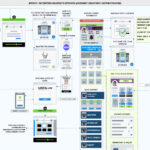
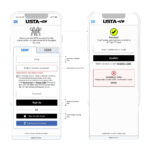
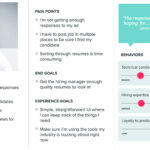
Some of the assets produced in realizing these goals are: User Interface Design and Development, UX (User Experience) Design, Information Architecture, Content Strategy, SEO Best Practices and Performance, User Journey Maps, Customer Persona Creation, Corporate/Product Branding, Product Ideology and Creative Direction.
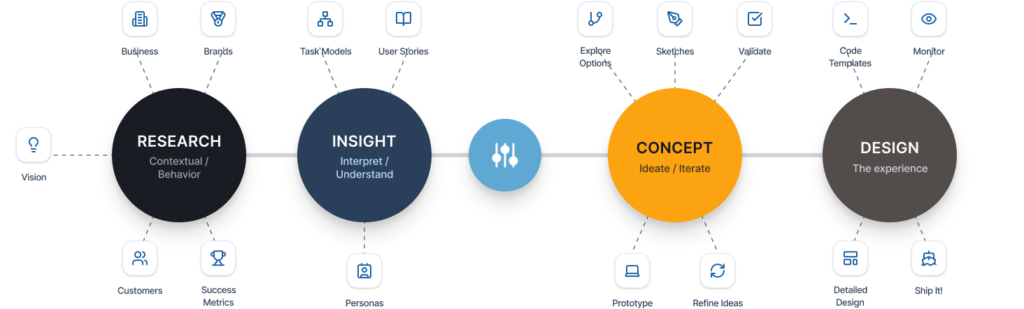
For inquiries, please get in touch directly.
Cheers,
Dave Dellovo
Principal Consultant – HumanCode Studios
Email: daved@hcodestx.com